Main Menu - 1st Iteration
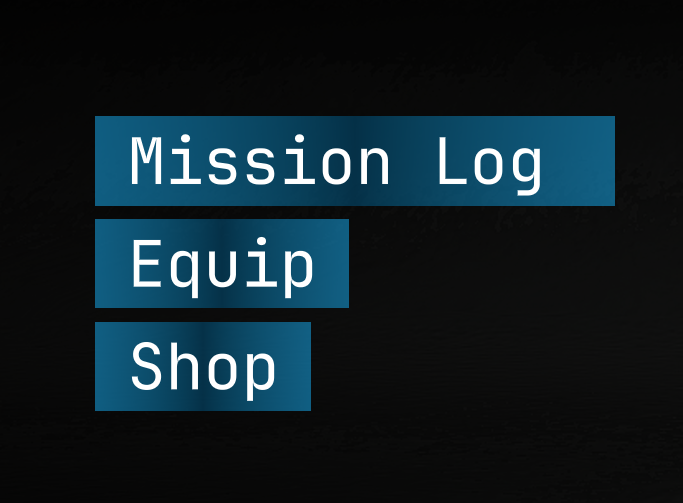
Central aligned typography anchors the viewport. A minimalist vertical directory occupies the lower-third. High-contrast white text prioritizes primary navigation against dynamic backgrounds.
Overview
S.O.R.N. is a third person action mecha shooter with fast paced combat and lots of customization. Play as J-12, a mech pilot for the PMC Haven, through three missions unraveling the mysteries of the organization. Check out my UI/UX contributions below.
S.O.R.N. Gameplay Trailer
UI/UX Design
UI elements reflect the look of modern jet pilots Heads Up Displays with futuristic styling. With this specific style, there are a lot of elements on screen at once which can create unnecessary clutter if not designed correctly. My goal was to make sure all UI elements had a purpose to be on the screen and did not overwhelm the player, since jet HUDs are meant to only display the most important information. I also wanted to make sure all elements were easily readable and matched the rest of the game's visual style. All UI systems work fully with Keyboard and Controller.
Use the arrows on each video to switch between 1st Iteration, Alpha, and Steam Release.
Central aligned typography anchors the viewport. A minimalist vertical directory occupies the lower-third. High-contrast white text prioritizes primary navigation against dynamic backgrounds.
Horizontal tabs segment system settings into four categories. Left-aligned fields occupy a modular container. Sliders and toggles communicate hardware and accessibility values. A bottom anchored bar consolidates global Input Action prompts.
Three columns organize input configurations by action, primary input, and secondary input. Players can remap bindings to any key on Keyboard or Controller allowing unlimited freedom for varying control schemes.
Three columns segment save data into modular cards. Save data is updated based on current level, game completion percentage, and player bank. Bright blue highlights distinguish active selection from inactive states. Persistent top-left headers maintain categorical orientation.
A vertical list organizes available missions. Right aligned translucent panels overlay specific mission information. Modular text placement surrounds the character silhouette.
Menu where players buy equipment. Shop tabs are categorized by part type. Listing each part separately, it displays currency required and equipment stats. Equipment stats change in real time by hovering over the equipment's icon.
Vertical left-justified tabs group components by category. A right-aligned character model displays part configurations.
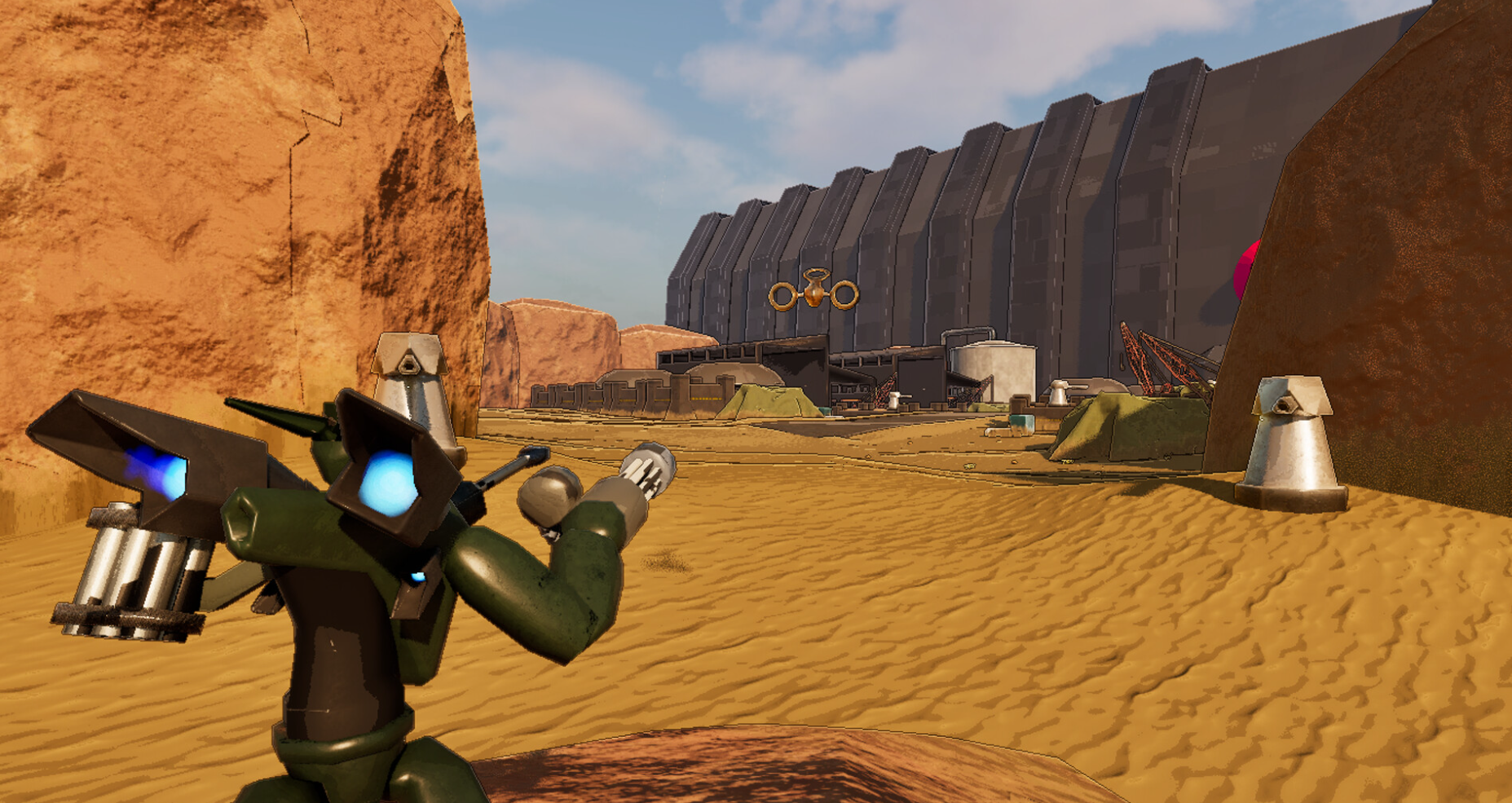
Main gameplay UI. Player health and utility ammunition count is displayed in the bottom right, with character dialogue appearing from a box in the top right. Current objective is displayed in the Mission Log on the top left. Player ammo count occupies the center of the screen with boost fuel meter just below it.
Additional UI Features
Additional systems included lock-on reticles, waypoint guidance, currency collection feedback, interaction prompts, glitch-damage effects, mission results screens, and boss encounter UI moments.
Boss Health Bar
Video 1 / 10
Icon Gallery
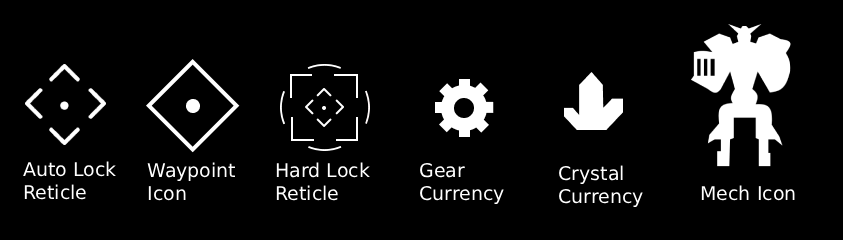
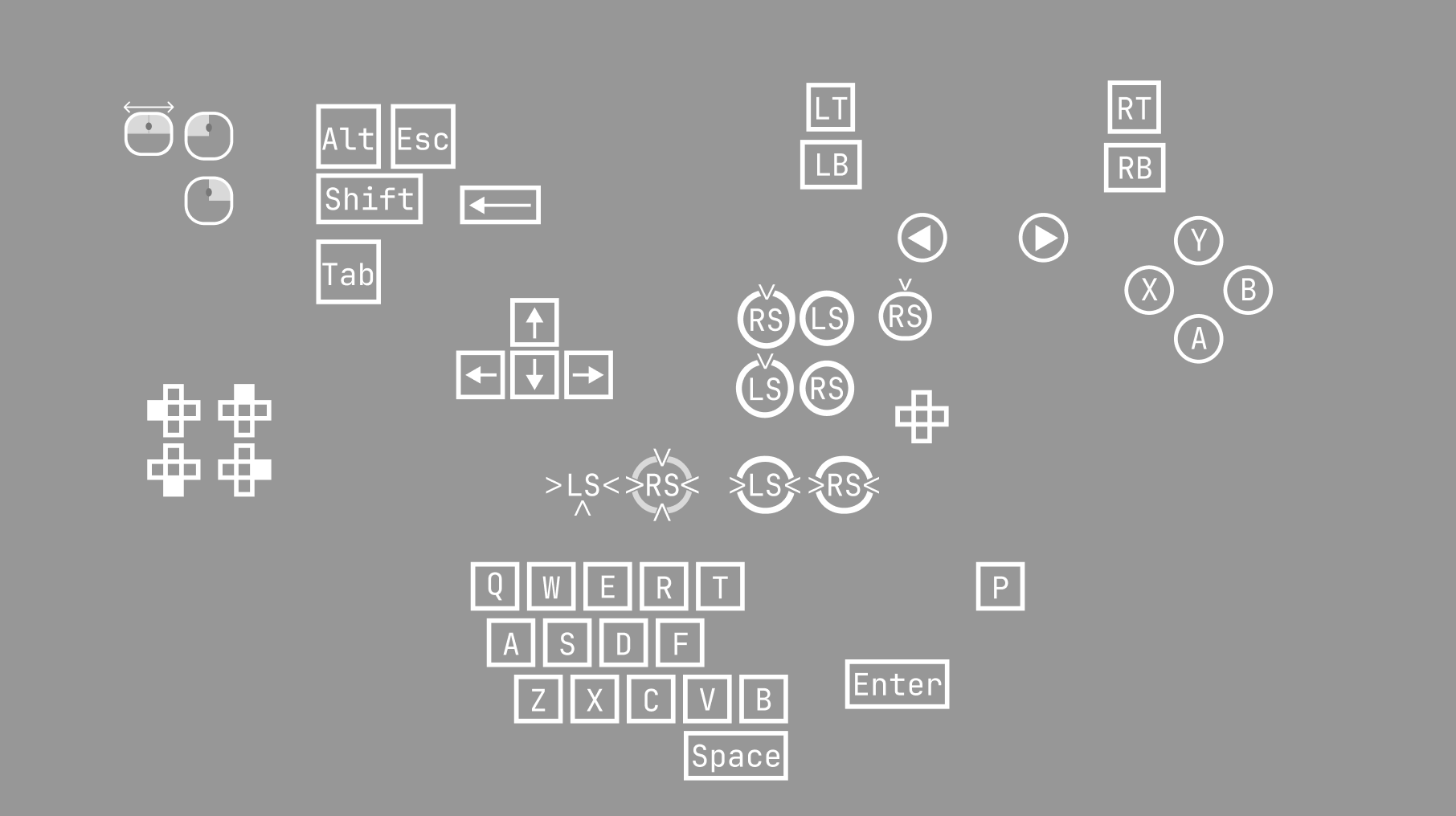
A list of the various icons I made for the game. I utilized Figma to create these as well as menu mockups, sample designs, and more.
Icons

Logos
KBM and Xbox Controller Icons
Universal Button Shader Material

File Select Box Design
Marketing Materials
Along with my work as UI/UX Designer, I was also on the marketing team, contributing to the creation of various marketing materials that needed to be ready for Steam release. Check out my contributions below.
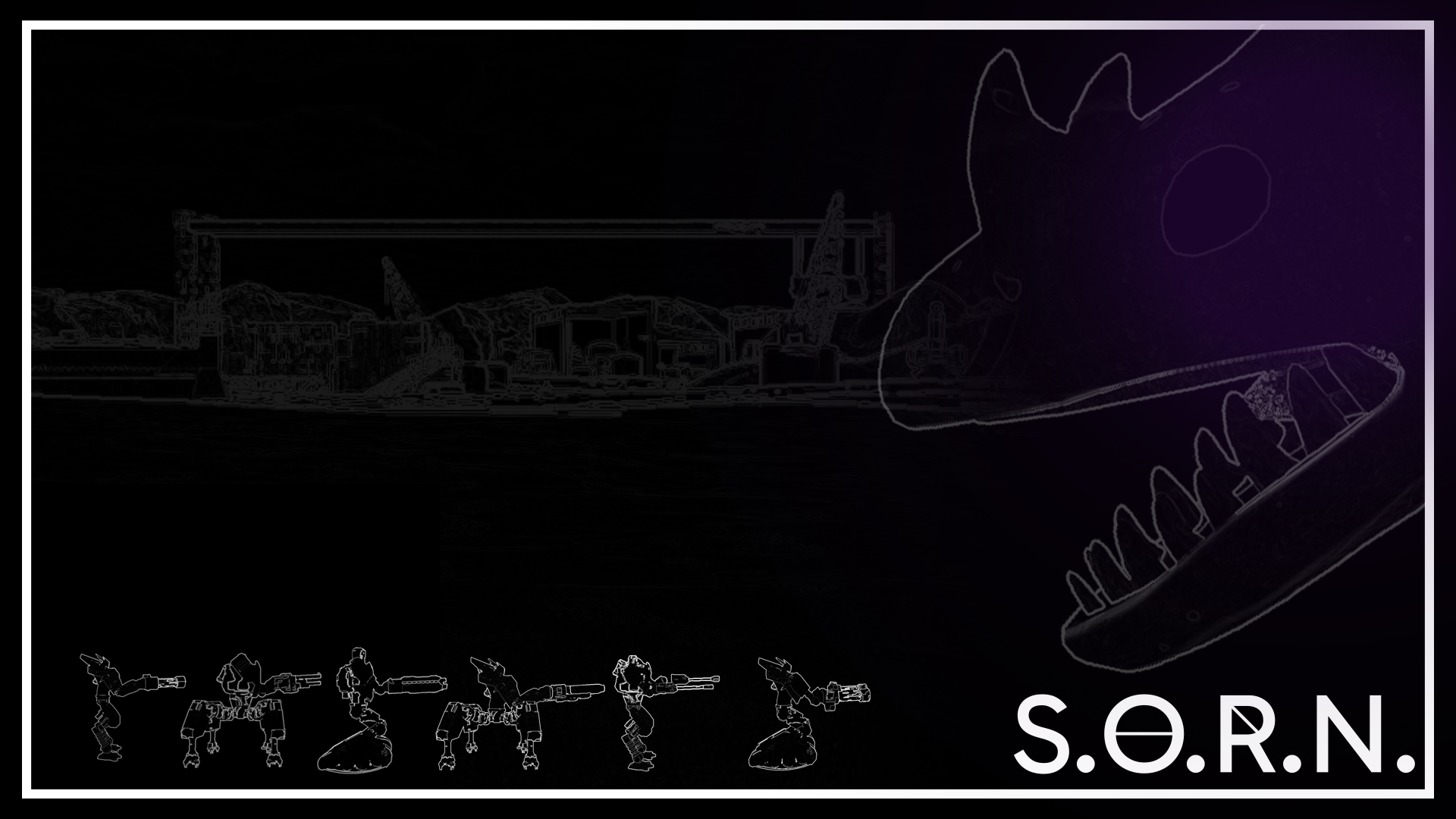
Desktop Composition
Large Desktop Install Icon
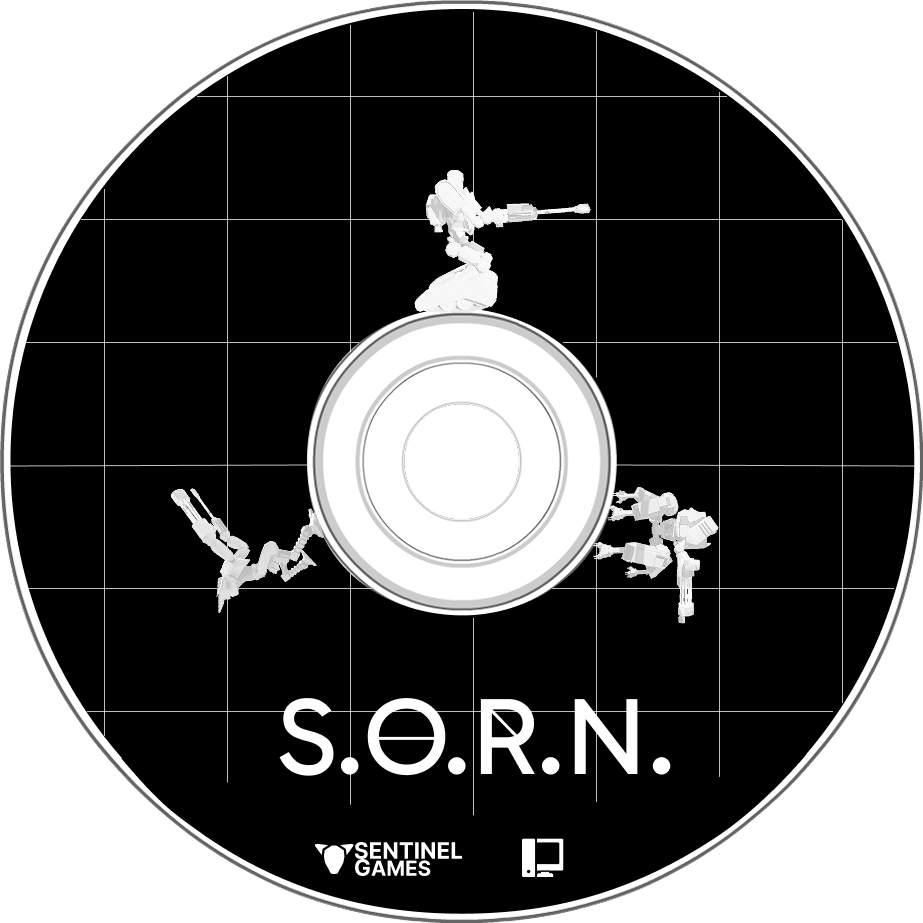
Game Disc
.png)
Box Art (Digital)
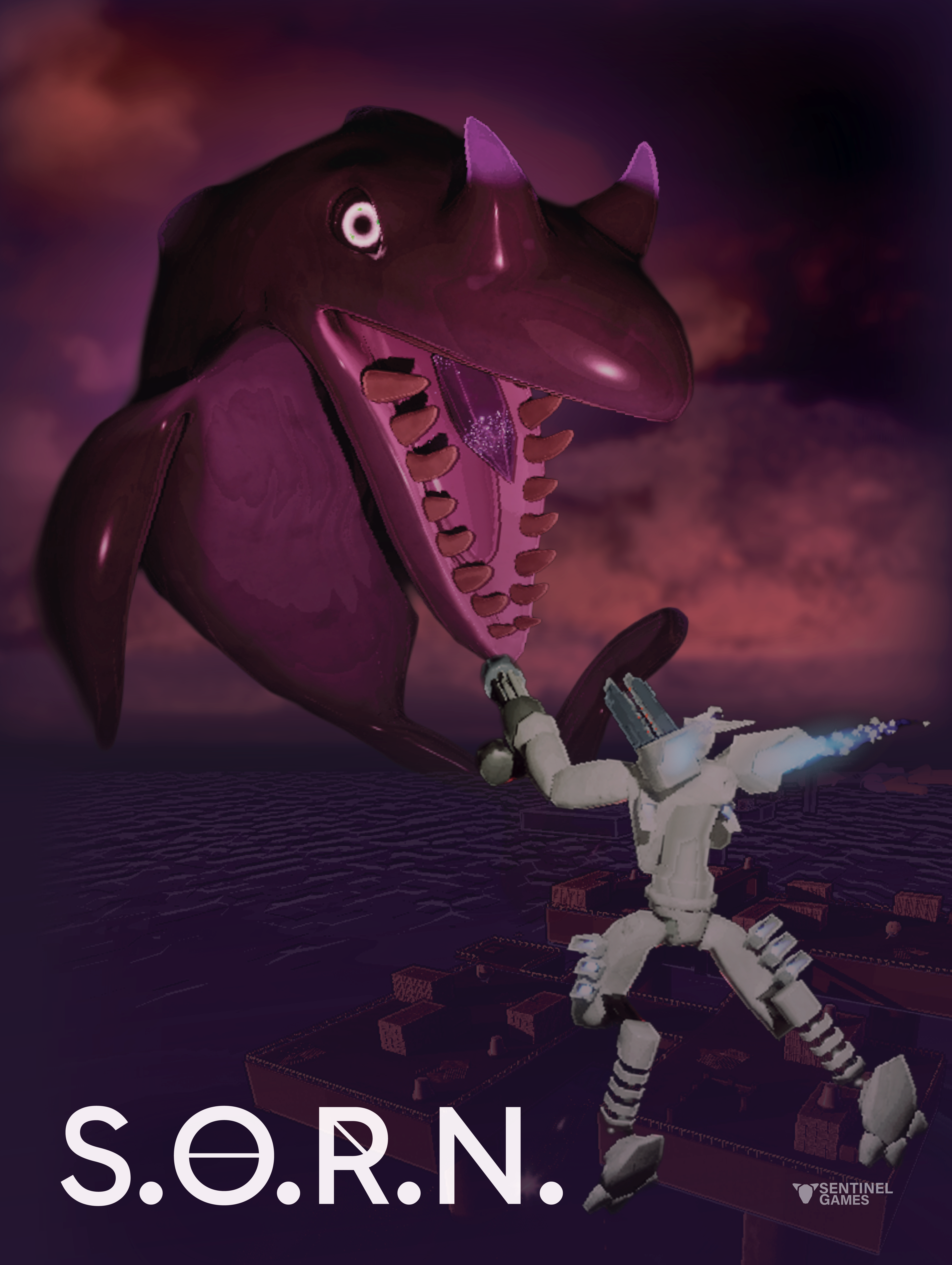
S.O.R.N. Poster
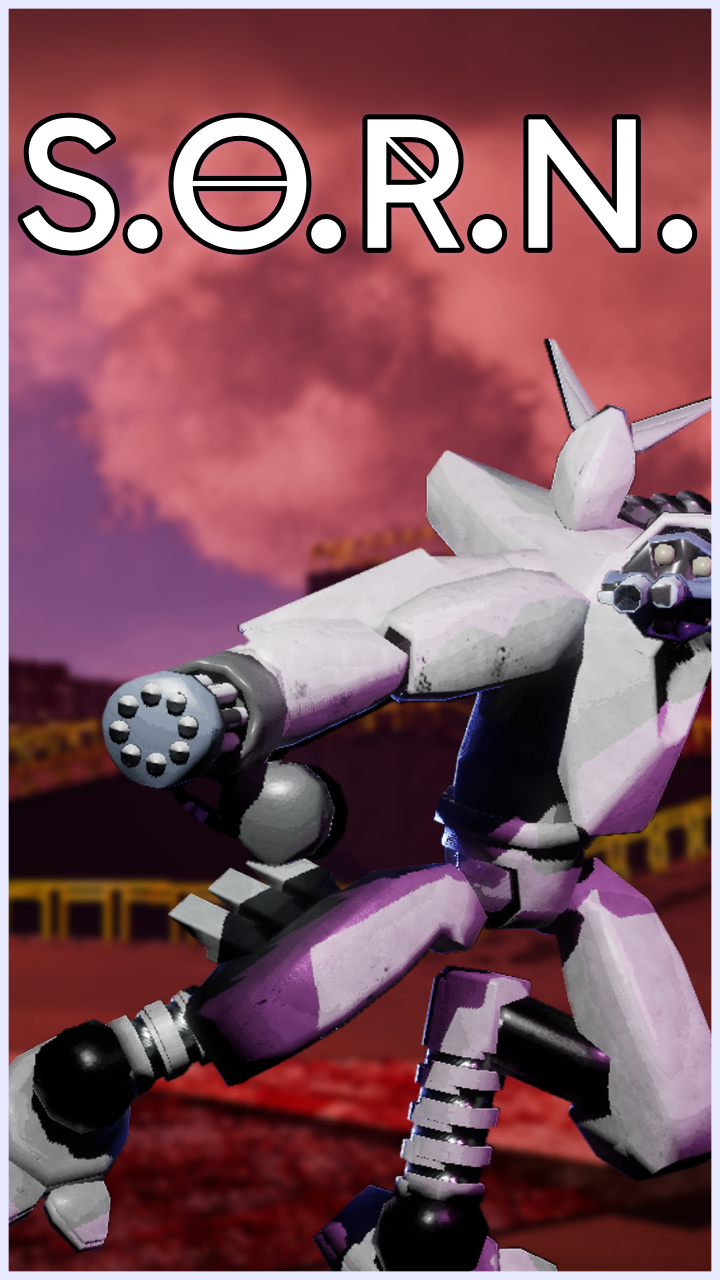
Vertical Banner
Horizontal Banner
SORN Physical Copy
Reflection
S.O.R.N. was my biggest project to date, and it was by far the most rewarding. Working on an amazing 15-person team, I was able to hone in on my UI/UX skills and strengthen my understanding of it significantly. I learned something new every week related to layout design, wireframing, typography, player agency, accessibility, UI animation, and overall player experience. It challenged me greatly, but those challenges taught me so much about dynamic interfaces and led to the player's experience being shaped into truly something special.
With the marketing materials, I was able to use my previous design experience to make eye-catching trailers, assets, and compositions while learning more about game marketing in the process. Given this was my senior capstone project at UCF, I couldn't be happier with how it came out in the end.
Complete with a successful Steam release, S.O.R.N. won awards for Best Gameplay Mechanics and Best Overall Top 3 at the 2026 Digital Media Showcase! I am so incredibly proud of everyone on Sentinel Games and the contributions made to this amazing project!
Photo of S.O.R.N. team